Keyboard For Blender 3D Artist
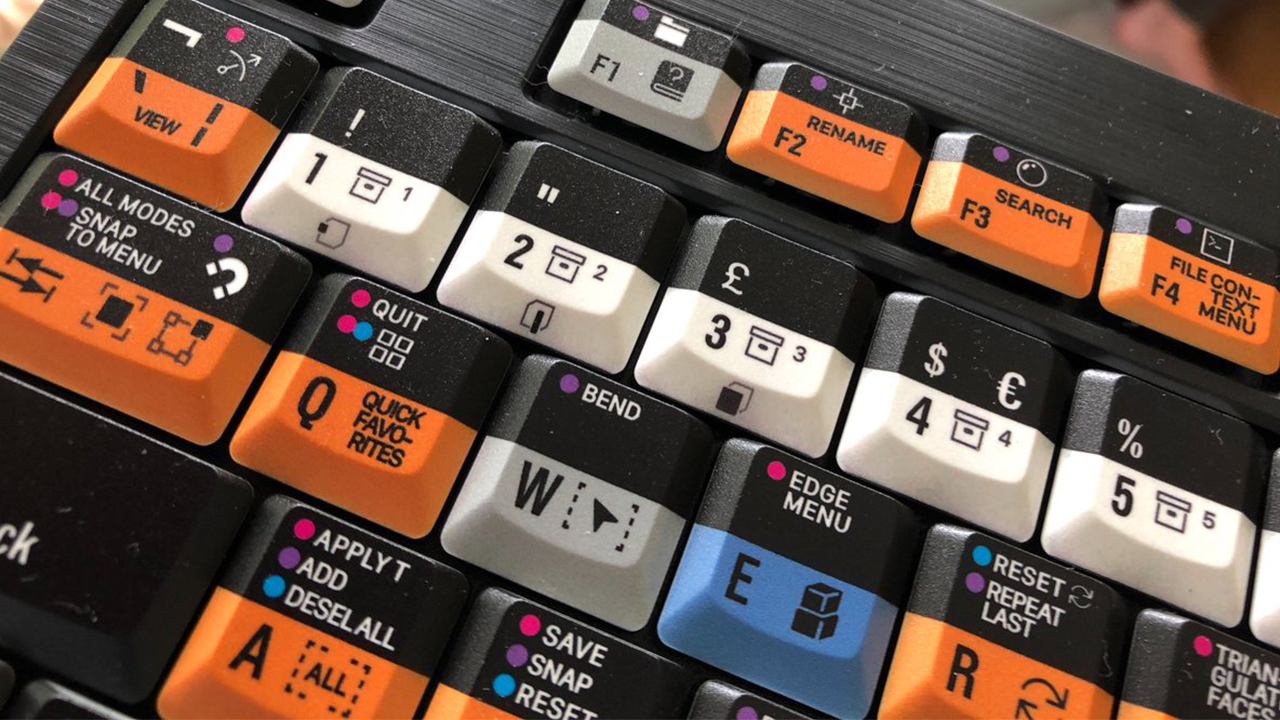
It’s not easy to remember Blender’s shortcuts, especially if you’re a beginner. Dozens of keys are spread across Object, Edit, Sculpt, and other modes, and most artists end up keeping a printed cheat sheet nearby or slowly memorizing them by trial and error.
HotkeyBoard: shortcuts shown live inside Blender
HotkeyBoard is an addon that takes a different approach. Instead of a static PDF or sticker, it overlays a full keyboard directly inside your Blender viewport and updates automatically as you switch modes, so you always see the shortcuts that are actually active. Hold Shift, Ctrl, or Alt and the overlay updates to show the modifier shortcuts too.
- Full keyboard overlay inside the Blender viewport
- Updates automatically when you switch modes (Object, Edit, Sculpt, and more)
- Shows different shortcuts when you press Shift, Ctrl, or Alt
- 750+ curated shortcuts across all major Blender modes, with full modifier support
- Works with Blender 4.5 on Windows and Mac
Where to get it
It’s also available on BlenderKit and Skillshare.